Pressure Sensor Application
This application supports the Inficon BCG450-SE pressure sensor. It connects through EtherCat directly to a PC.
Releases
| Version | Description |
|---|---|
| v1.0 | Initial version |
| v2.0 | Added graph, updated UI, different csv data layout |
Installation
- Download and Install npcap
- Download and unzip pressure sensor application v2. The extracted folder contains the application
- Run PressureSensor.exe
User Manual
Overview
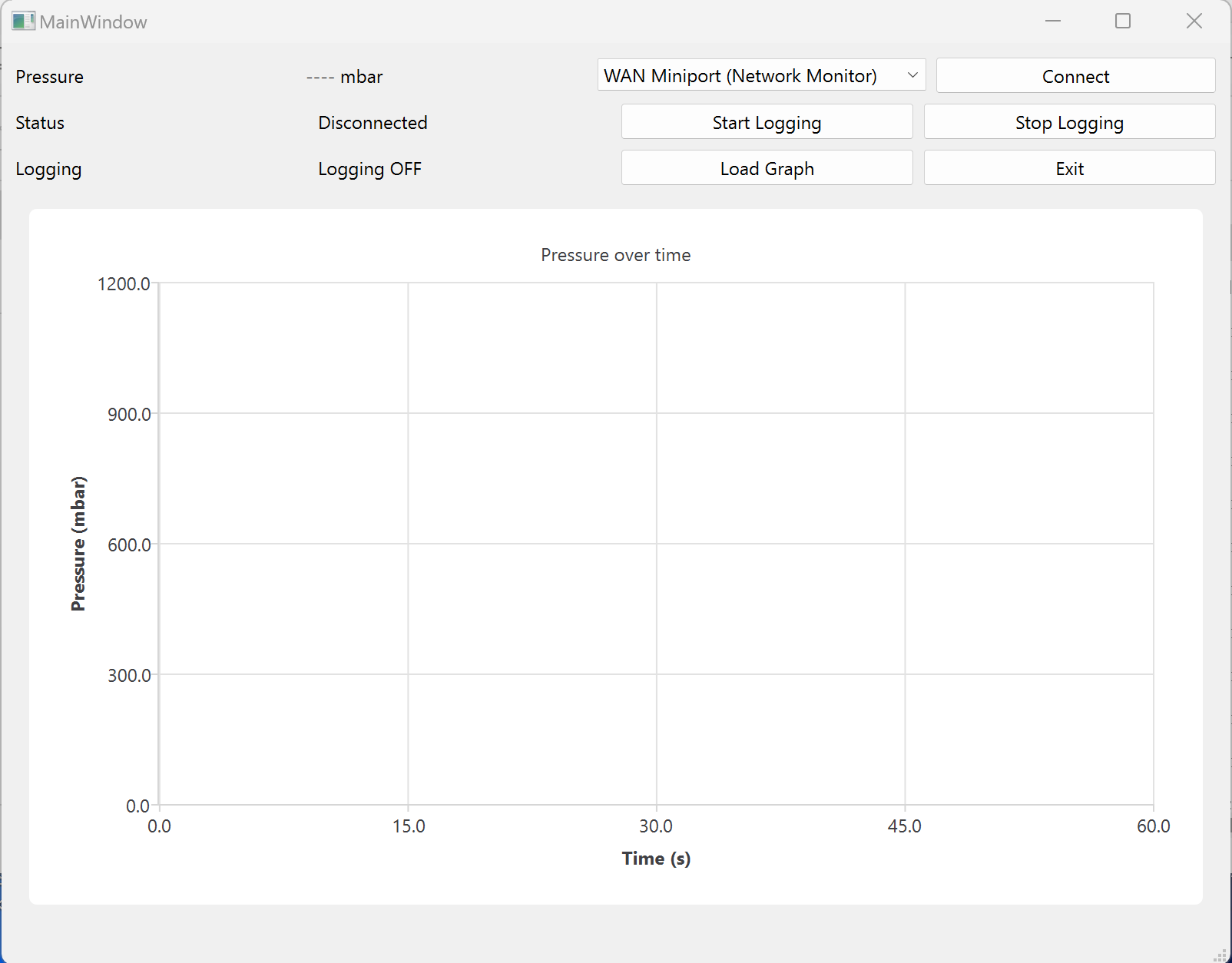
The Pressure Sensor Logging Application is used to acquire, display, and log pressure measurements from the BCG450-SE TripleGauge pressure sensor via EtherCAT.
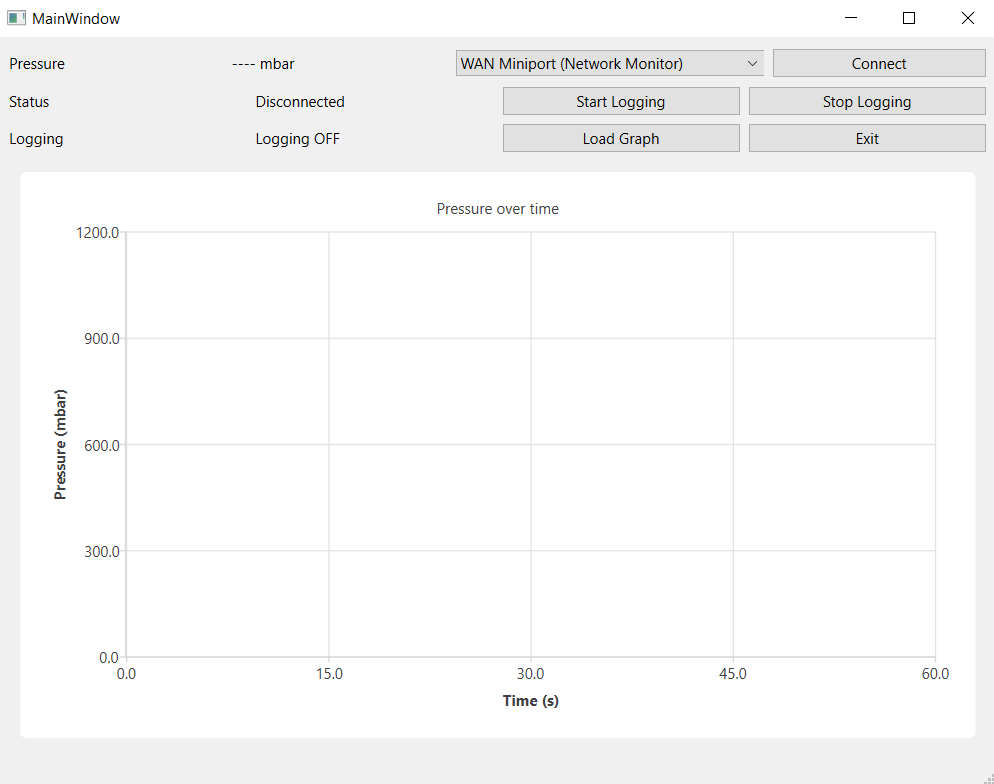
Connecting to the Sensor
To connect to the pressure sensor:
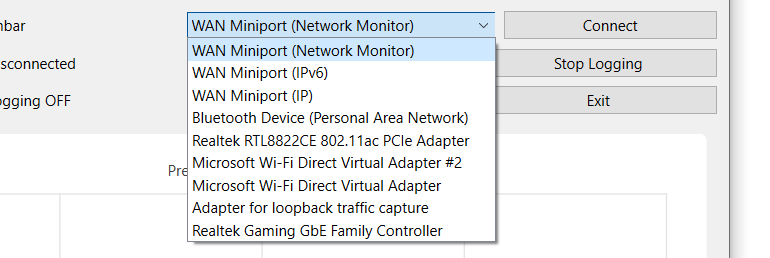
1. Select the correct Ethernet adapter from the drop-down menu
2. Press “Connect”
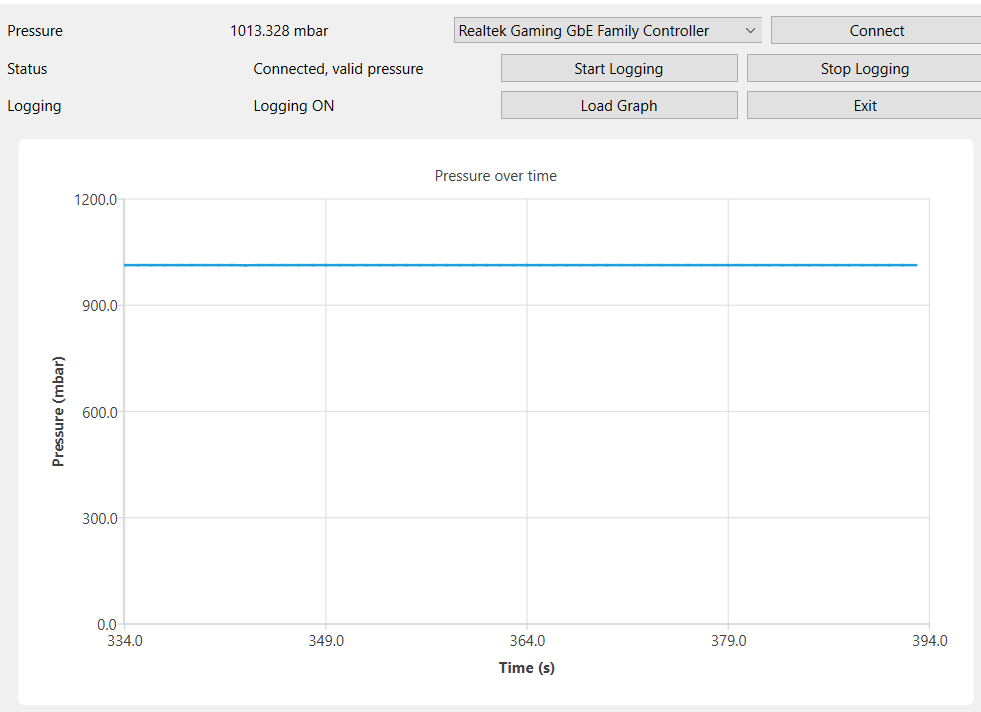
 Upon established connection the pressure value is displayed and the status is shown.

The application continuously monitors the EtherCAT connection and will automatically attempt to reconnect if connection is broken.
Data Logging
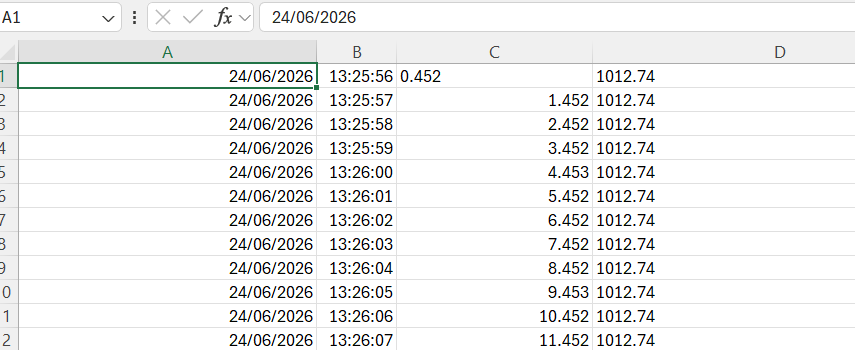
When logging is enabled: 1. The data is written to two .csv files. 2. A daily general data file in the form: “yyyymmdd.csv”. When logging begins on a date, all subsequent data logging that begins on that day is appended to the general daily file. 3. A file per run in the form: “yyyy-mm-dd-hh-mm-ss_pressure.csv”. This file is used to store data per run so the “Load Graph” function can be used. This is to prevent potential large gaps in time when loading graphs of runs. The format of data is the same as the daily file.
The columns represent: date, time, relative time, pressure(mbar)
“Start Logging”-button
When this button is pressed, data logging becomes active.
“Stop Logging”-button
Stop logging stops logging and saves the graph
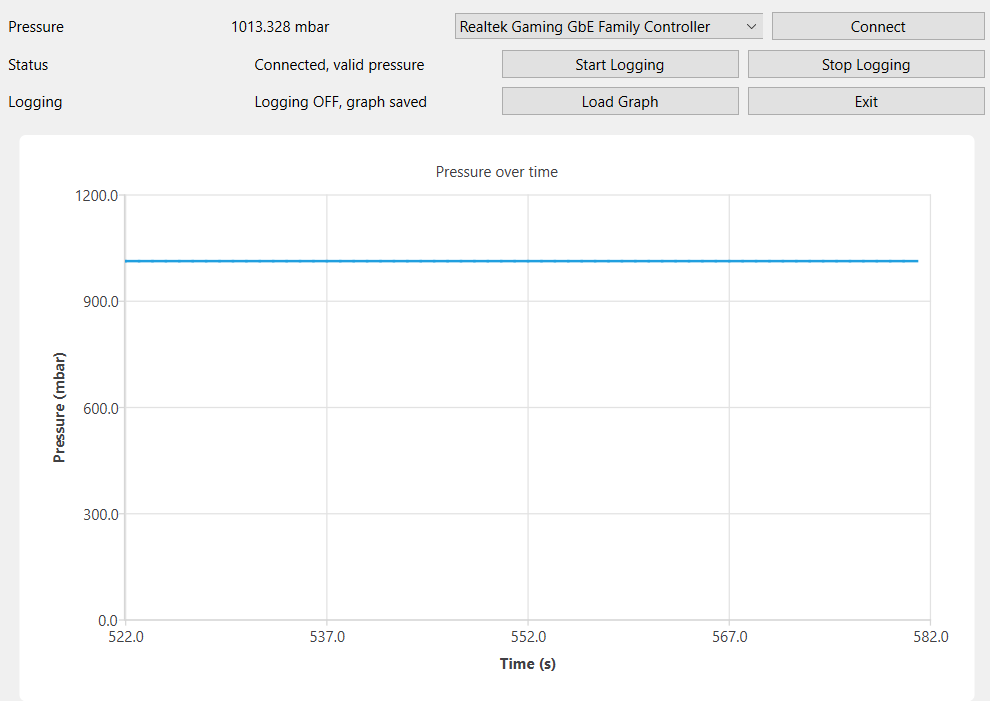
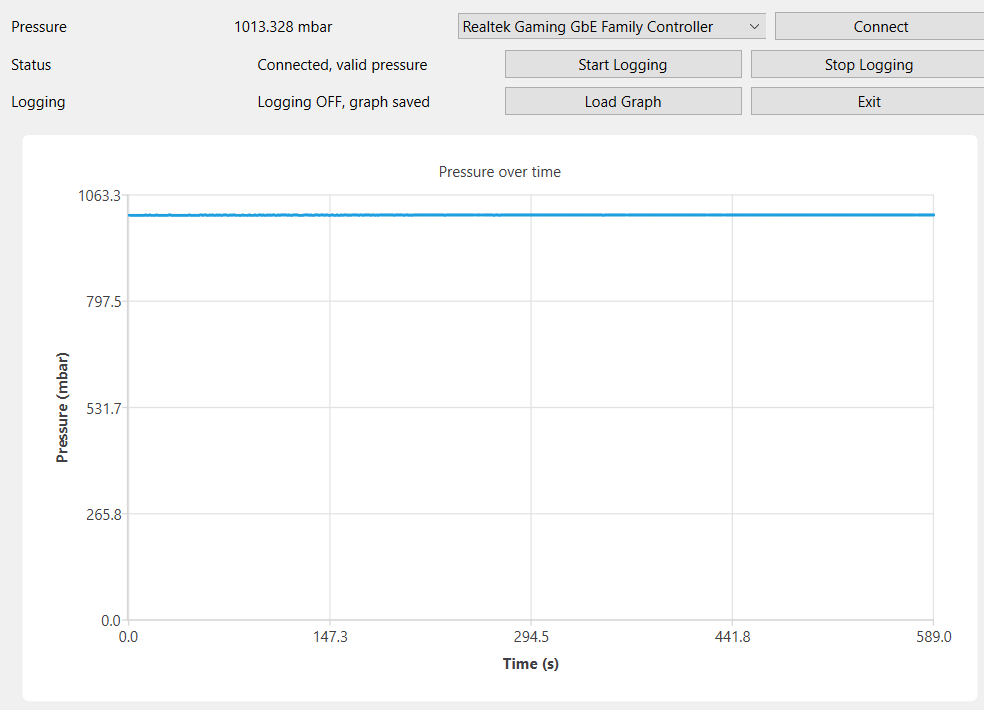
“Load graph”-button
“Load graph” generates the graph for the entire run.
There is also a .png image per graph created. The purpose of loading the graph is to be able to zoom into more specific time points.
 Pressure sensor application